Login
Getting into CADRE
CADRE will authenticate you using your institution's single sign-on; where most higher education institutions are covered. Since we are using your institution's single sign-on, your email and password will be the same details as to what you usually use when signing into your institution. If you have having issues logging into account, recover your account through your institution.
Once you have successfully authenticated yourself, CADRE will recognise these credentials to build you a profile and space within the platform.
Looking for more information about how our single sign-on works?
Login Steps
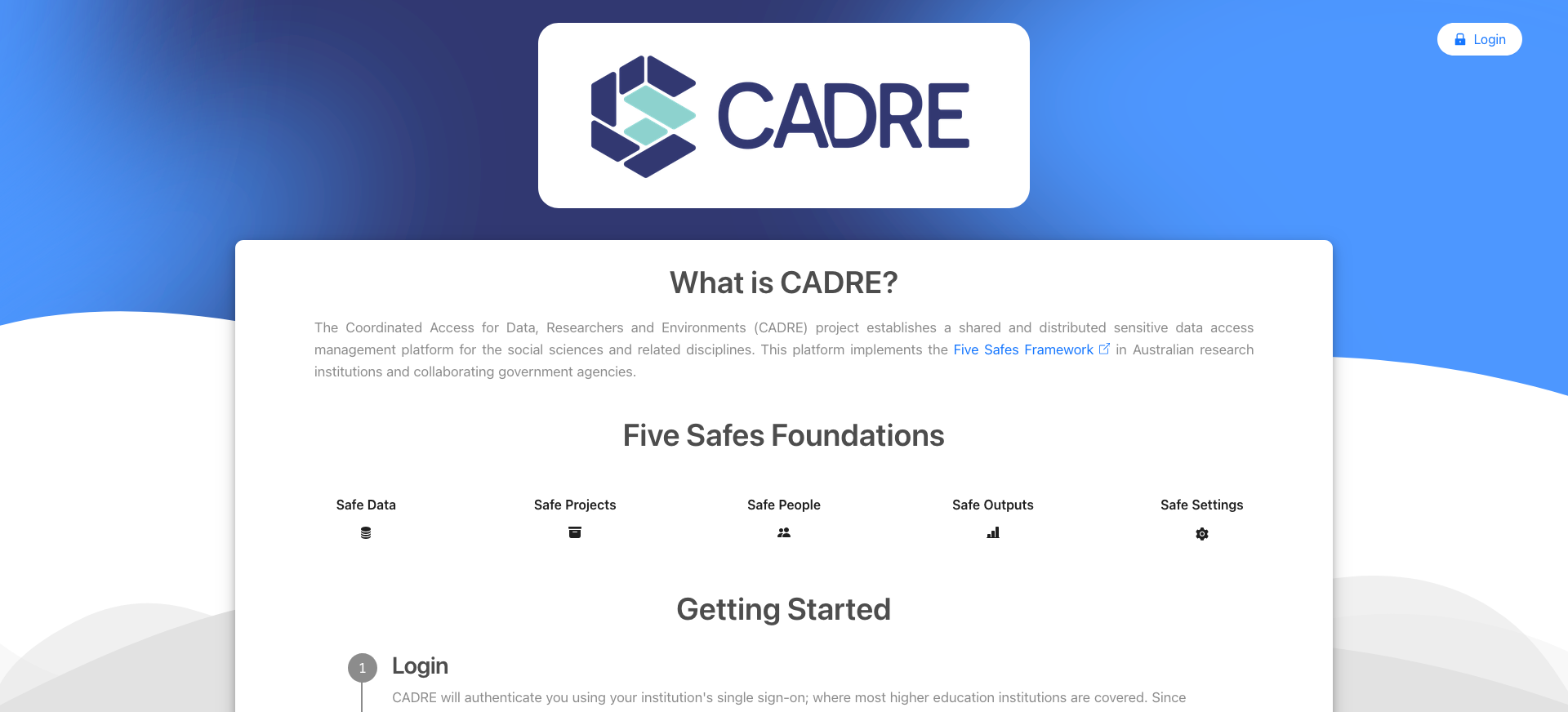
Navigate to CADRE's Login Page
Navigate to the login page on Australian Data Archive's hosted version of CADRE.
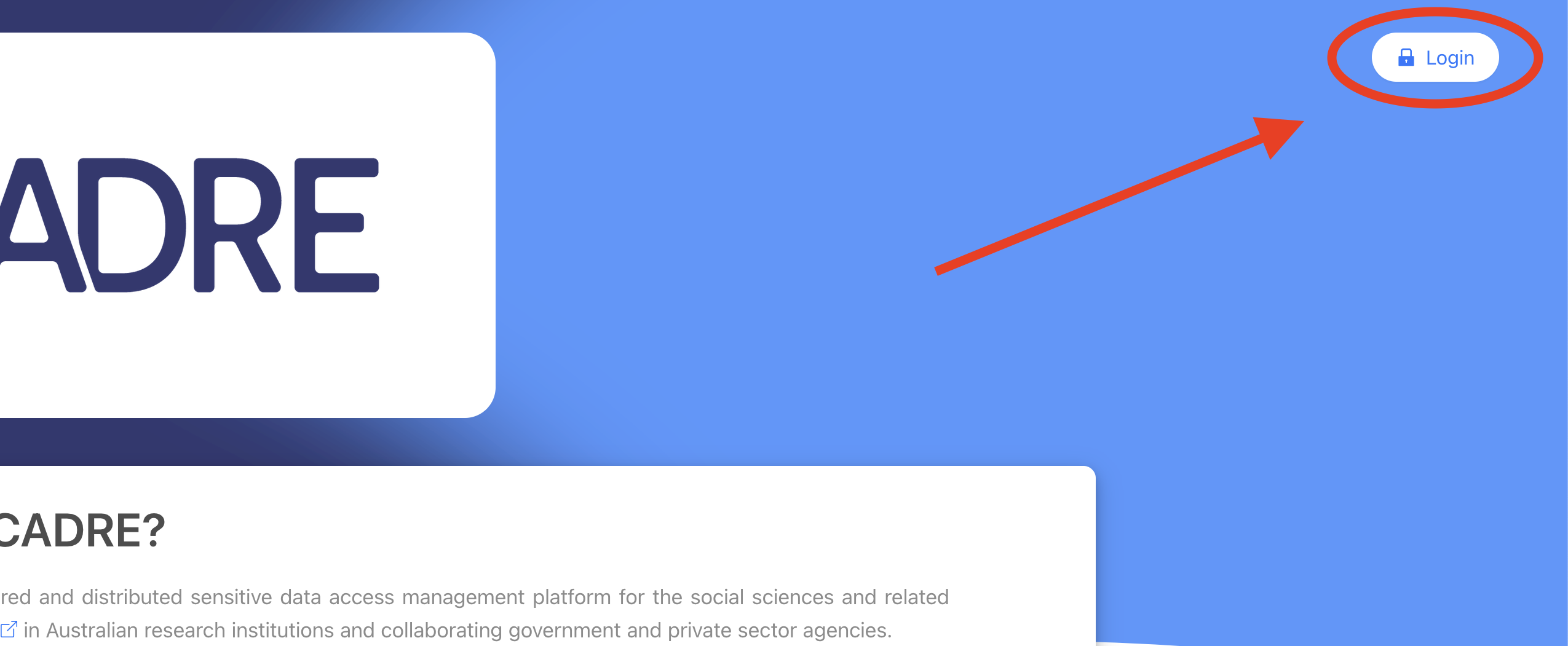
Click on the 'Institution Login' button
Click on the 'Institution Login' button on the top-right of the page to navigate to CILogon.
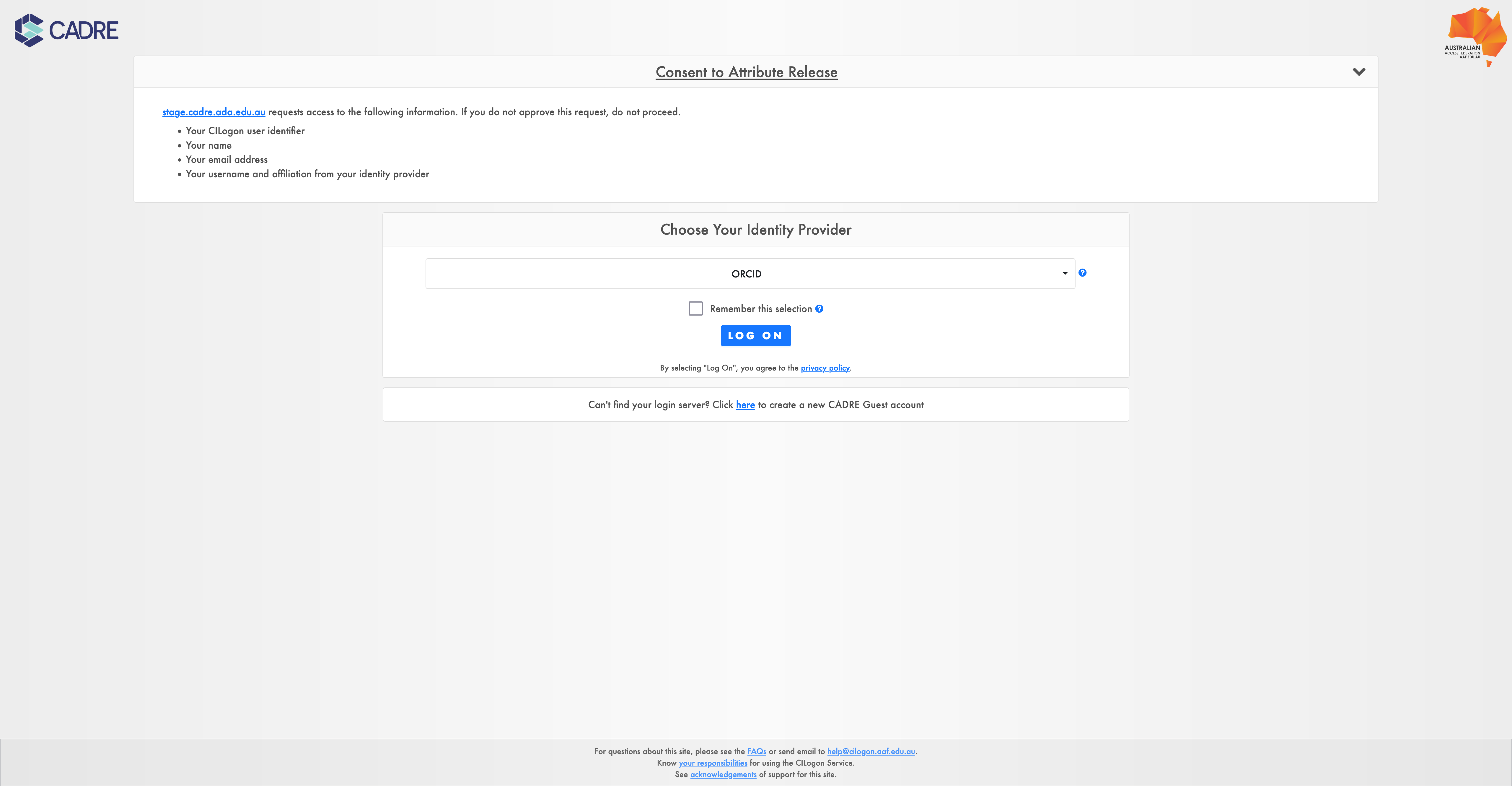
Choose your institution
After button navigation, you will be taken to the CILogon page. From here, choose your institution by clicking on the drop-down and searching for your given institution.
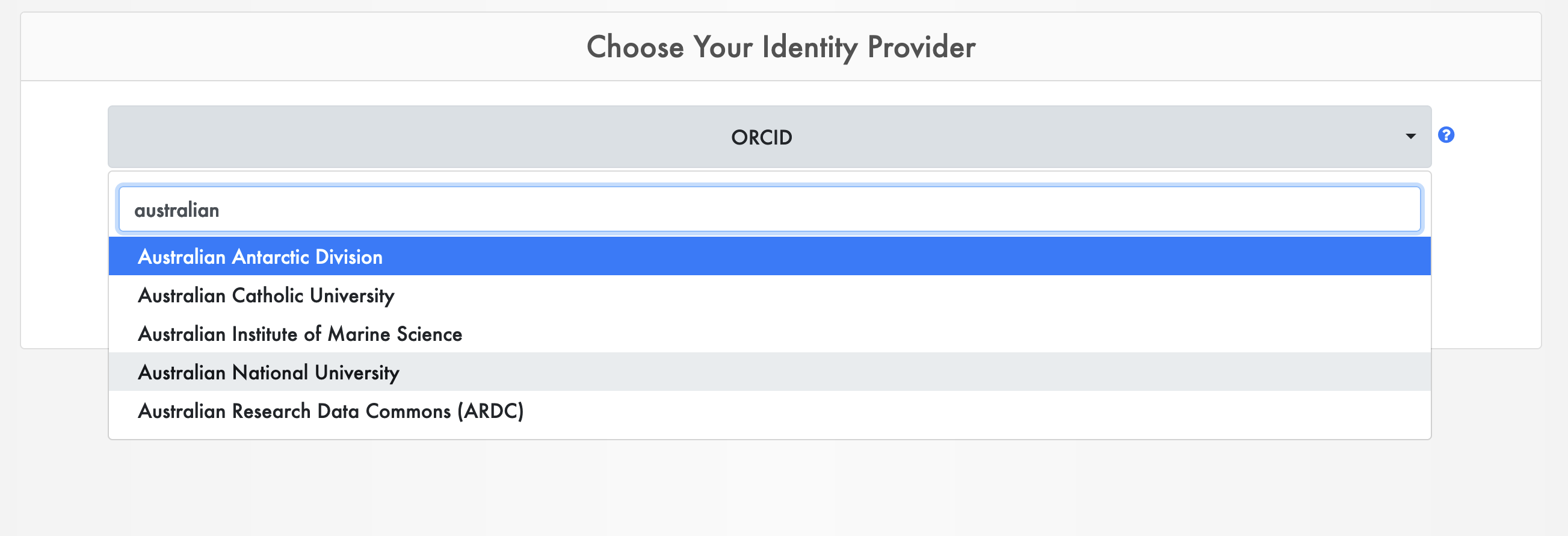
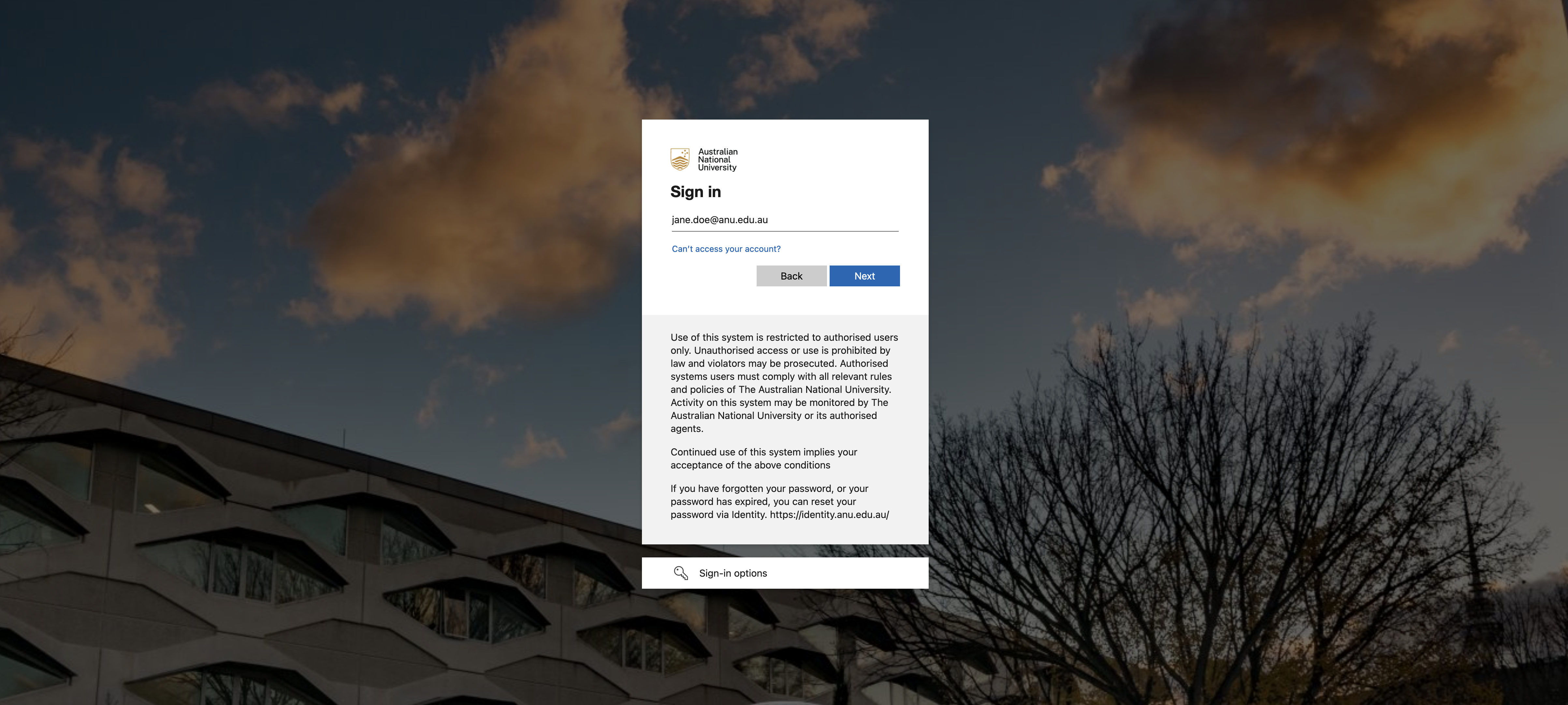
Complete institution single sign-on
Click login to be navigated to the given institution SSO. From here, provide your email, password, and any authentication code to authenticate yourself.
Successful single sign-on
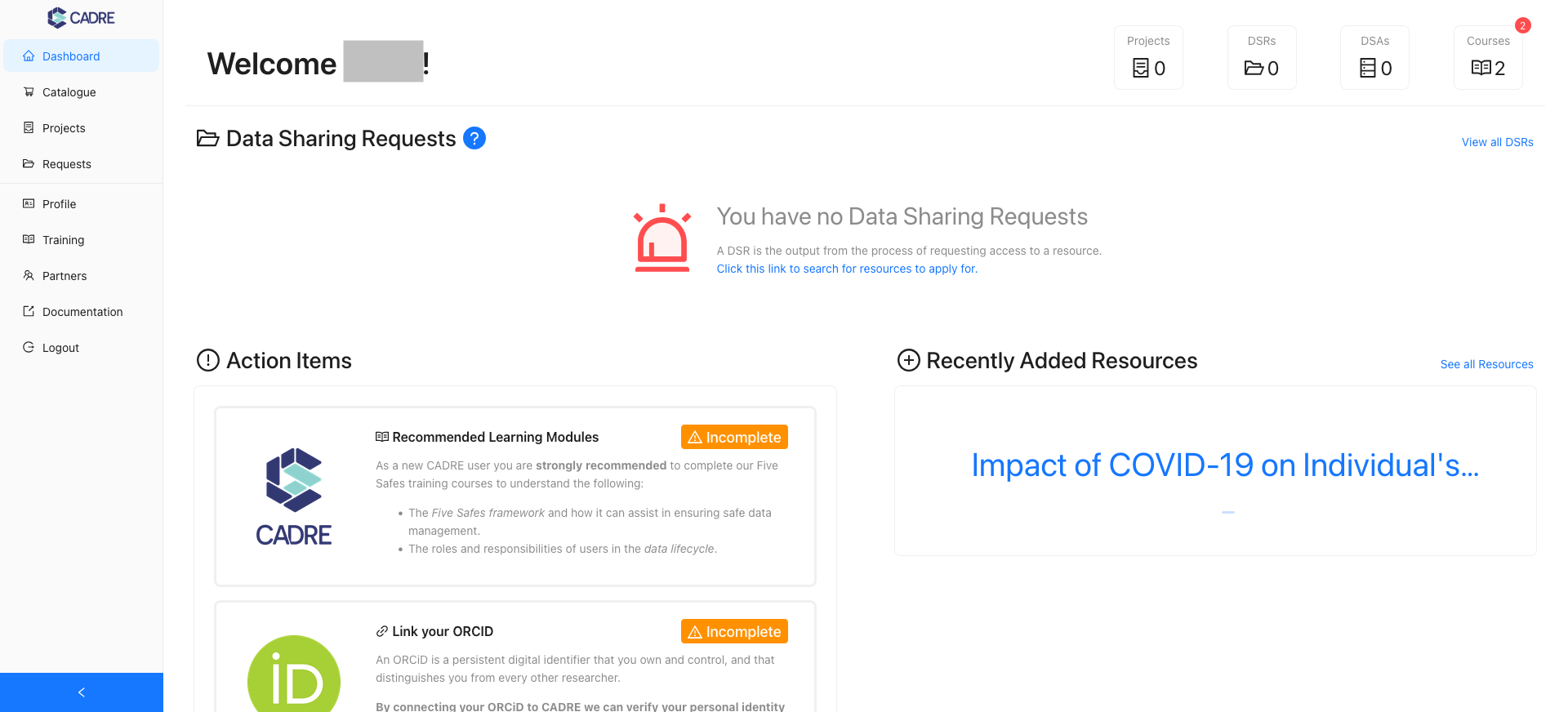
Once you've logged in you will be taken to the dashboard. Your dashboard should look like the following: